Accounting: First steps

This guide will help you get started with setting up your accounting in ready2order. Whether you're setting up for the first time or revising, these are the essential steps to ensure the accounting data is export-ready.
How to find the accounting settings and data?
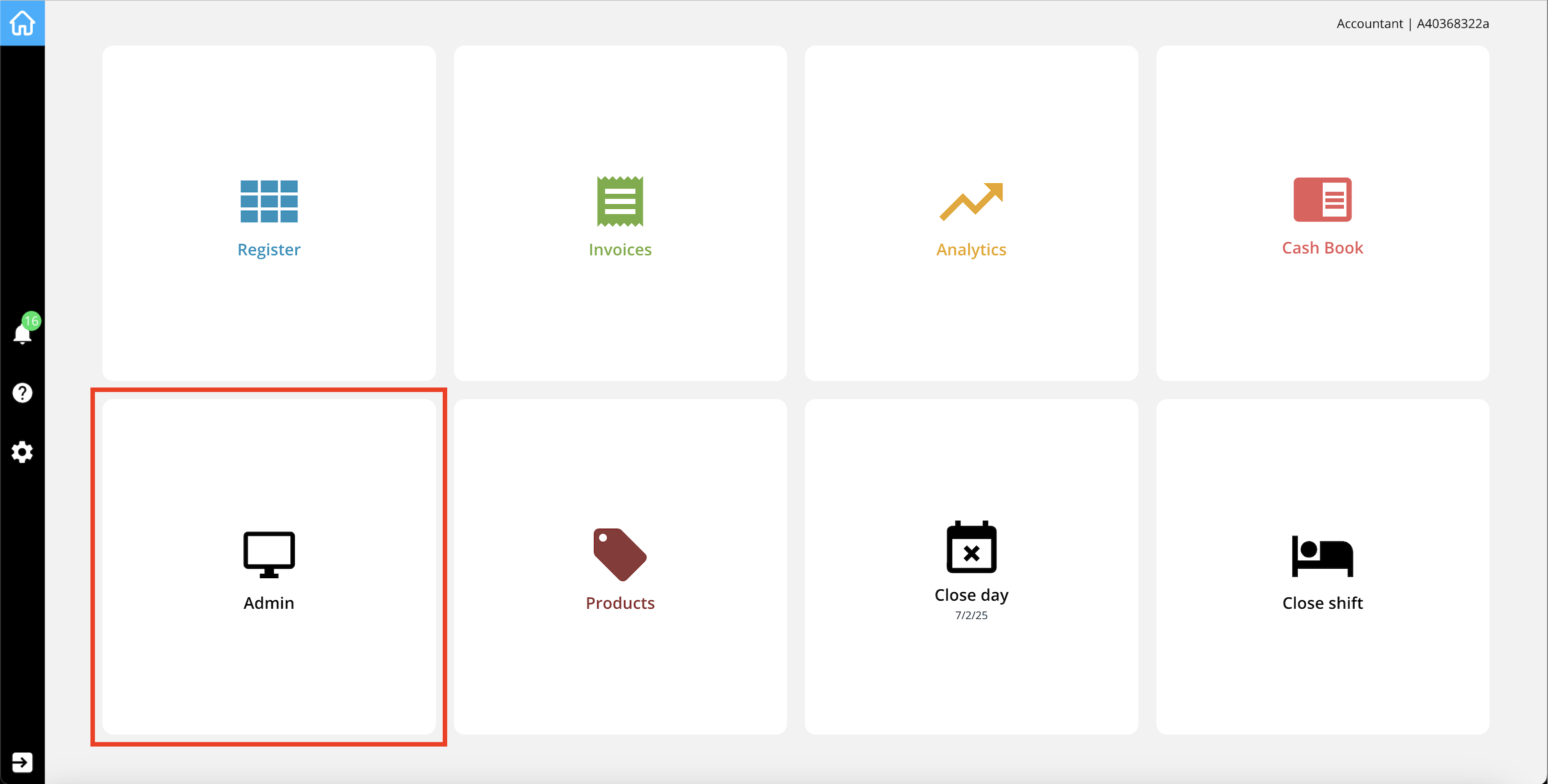
All accounting-related settings and exports are available in the admin interface. To access it, simply click "Admin" from the POS homescreen or log in directly via the admin login page.
If you're using the accountant access, you must first log into the POS interface. However, no additional password is needed to switch from the POS to the admin area with accountant permissions.
📘 Key Help Articles for Setup
Here is a collection of helpful articles to guide you through the setup process – from creating accounting codes to exporting your data.
- 🔧 Set up accounting codes
- Learn how to create and manage your accounting codes. - 📥 Download the accounting export
- Generate an export with all relevant accounting data - 📤 Import accounting codes
– Add a complete list of accounting codes in just a few clicks using our import tool. - 📂 Bulk actions for accounting codes
- Edit or manage multiple accounting codes at once to save time. - 🔧 Set up cashbook categories
- Organize your cashbook clearly with custom cashbook categories. - 📊 Other useful articles for accounting