How do I make a payment with my readyMini Pay?

For our Swiss customers: The readyMini Pay is not yet available in your country. However, the device will be available shortly. Thank you for your patience.
Payments with your readyMini Pay are very easy to make. As soon as your readyPay application has been activated and you have linked your readyMini Pay, you can start making card payments immediately.
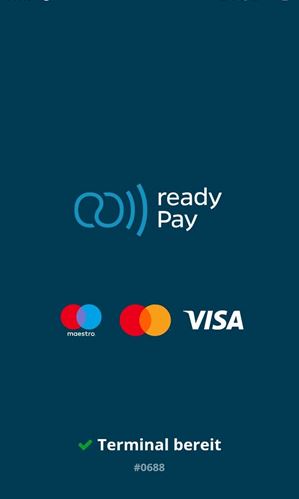
- If you haven't turned on your readyMini Pay yet, turn it on. After booting up, you will see the following screen and your readyMini Pay is ready to process card payments:
- Log in to your cash register system and go to Checkout , select your desired products as usual and choose the payment method readyPay in the payment menu
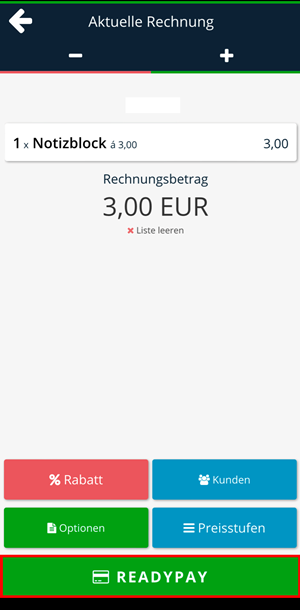
If readyPay is not directly visible, you can find all payment methods under Options. You can set your preferred payment method in the Admin Interface.
- The payment process will now start. On the left side you can see what the payment process looks like on your POS system. On the right side you can see what it looks like on your readyMini Pay

- Follow the instructions on your readyMini Pay
- For card payments, you or your customer can now
- insert the card (possible at the bottom of the device, for cards with chip),
- swipe the card (possible on the top of the device, for cards with magnetic stripes),
- or use the NFC function (contactless) (hold the card on the display or the back of the device)
- If the payment is successful, a green window appears with the text “Transaction successful”
We also answer your support requests via chat. Click here to go to the chat.
