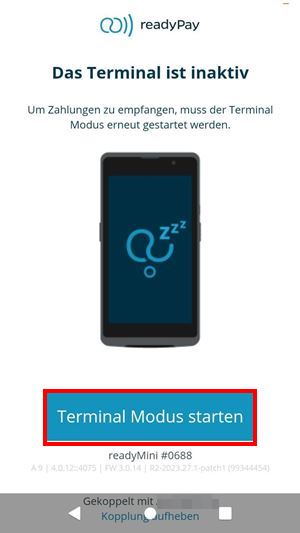
How can I pause (inactive) my readyMini Pay?

If you want to put your readyMini Pay on "pause", you can activate the inactivity mode. If you then start a payment with readyPay the readyMini Pay will not respond. You can put the readyMini Pay on pause if you do not need it for payments at the moment, as it uses less power in this mode. In inactivity mode, you can briefly press the on/off button on the right side of the device and the screen will go dark, which reduces power consumption. If you want to activate the display again, briefly press this button again.
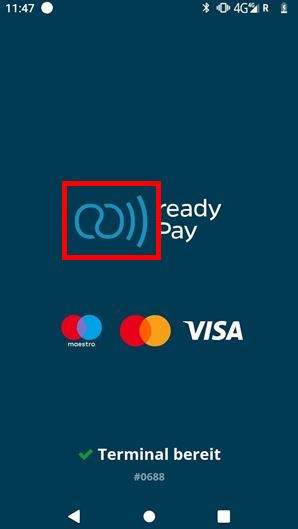
To start the inactivity mode, press and hold the ready2order icon for about 5 seconds until the terminal is displayed as inactive.
If you would like to be able to make payments with your readyMini Pay again, please select Start Terminal Mode.